Two critical vulnerabilities discovered in PHP have put website owners, hosting providers, and IT security teams on alert.
Disclosed on October 21, 2026, the vulnerabilities, CVE-2026-109618 and CVE-2026-109619, are collectively known as PHP2Shell. Both carry a CVSS v4.0 severity score of 9.2 (Critical), reflecting the potential impact on affected systems.
Under certain conditions, attackers could exploit these flaws to execute malicious code remotely without needing valid user credentials.
The concern goes beyond individual websites. PHP is widely used in content management systems, customer portals, online stores, and custom business applications. A vulnerability in the PHP runtime can therefore affect multiple services running on the same server.
For businesses and Managed Service Providers (MSPs), the immediate priority is to identify affected systems, confirm their patch status, and address any remaining exposure.
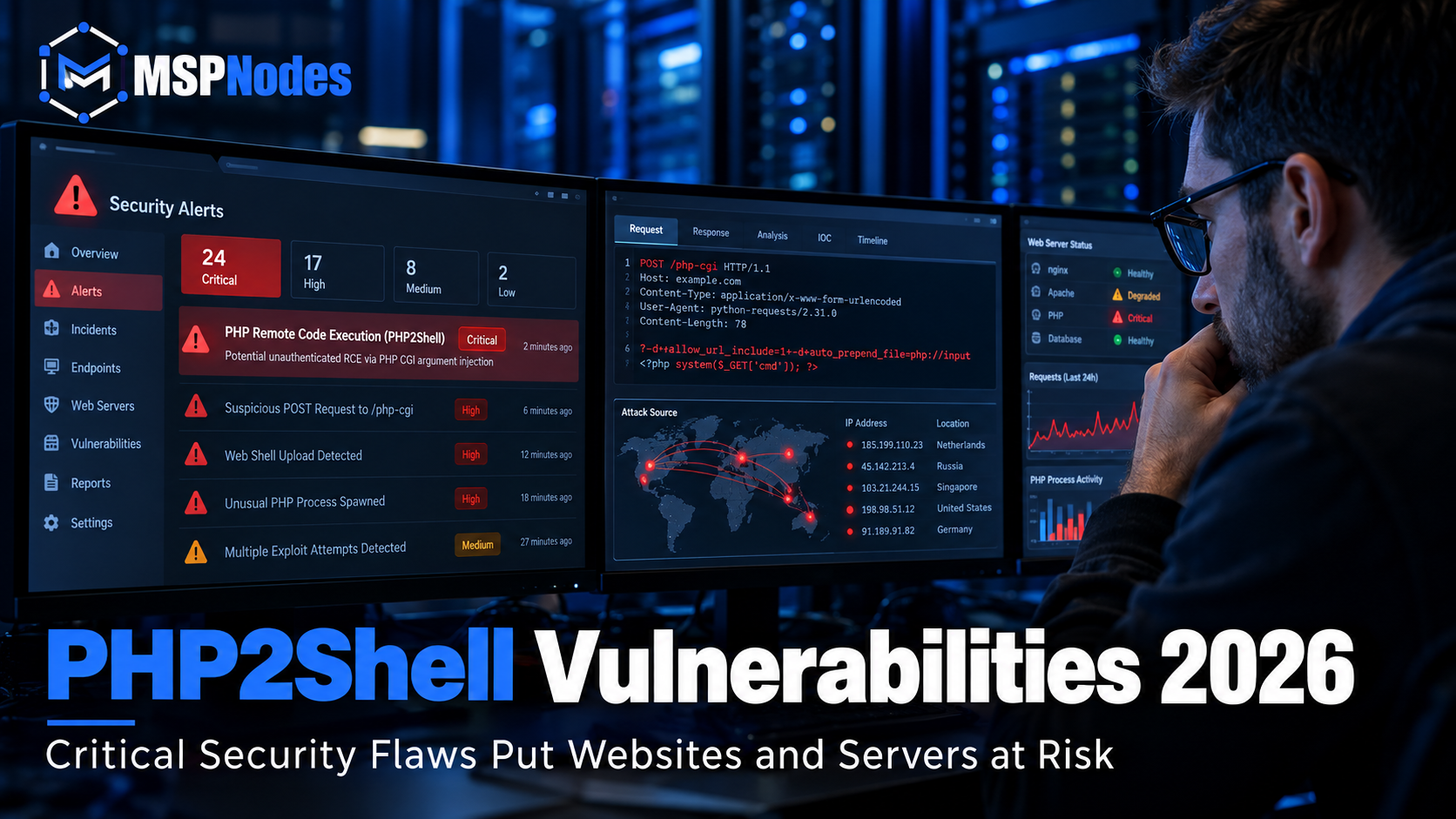
What Is PHP2Shell, and Why Does It Matter?
PHP2Shell is the name given to two memory-management vulnerabilities affecting the PHP runtime.
Although the technical causes differ, both involve the way PHP handles internal memory during request processing.
CVE-2026-109618 — Out-of-Memory Corruption
This vulnerability involves improper handling of certain memory allocation failures. Under specific conditions, PHP may attempt to clean up internal structures that have not been initialized correctly, potentially resulting in exploitable memory corruption.
CVE-2026-109619 — Stale Global State
The second vulnerability involves internal references to memory that has already been released. If a later request accesses that stale state before it is properly reset, memory corruption may occur.
In affected configurations, successful exploitation could lead to remote code execution (RCE).
What makes these vulnerabilities particularly serious is that the problem exists within PHP itself.
Updating a WordPress plugin or changing a website theme will not fix a vulnerability in the underlying runtime.
The issue is relevant to a wider range of PHP-based applications, including WordPress, Drupal, Laravel, and custom-developed business systems.
Which PHP Versions Are Affected?
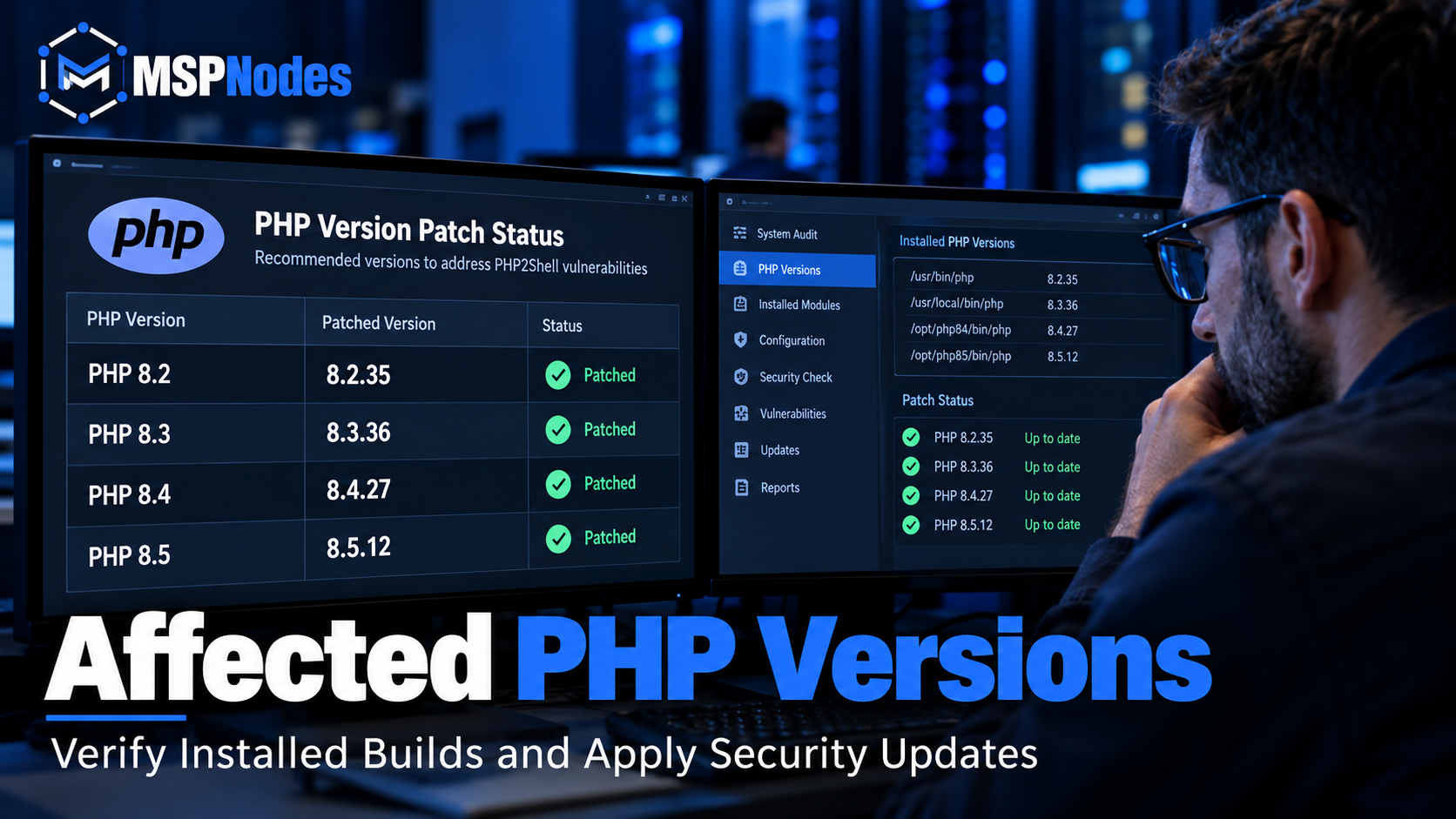
The PHP security team released updated versions on October 21, 2026, to address the vulnerabilities.
The patched releases are:
PHP BranchPatched VersionPHP 8.28.2.35PHP 8.38.3.36PHP 8.48.4.27PHP 8.58.5.12
Administrators running earlier affected releases should check whether the required security updates have been installed.
Older PHP branches also deserve attention, particularly where applications depend on versions that are no longer officially supported.
However, an older version number does not always mean a server is missing the fix.
Some Linux distributions and commercial support providers backport security patches into their existing packages. For these environments, administrators should review the relevant vendor advisory rather than relying on the PHP version number alone.
For businesses using managed hosting, it is worth confirming whether the hosting provider has applied the necessary security updates.
Why Businesses Should Be Concerned About PHP2Shell
A compromised web server can create problems well beyond website availability.
Many organizations use PHP applications to process customer information, manage transactions, authenticate users, and connect to internal databases.
If attackers successfully exploit PHP2Shell, the consequences may include:
Unauthorized execution of commands on affected servers.
Exposure of customer or business information.
Installation of malicious scripts or web shells.
Website defacement or unauthorized content changes.
Disruption of websites and customer-facing applications.
Attempts to access connected databases or other infrastructure.
The actual impact depends on the server configuration, application environment, and privileges available to the compromised process.
Internet-facing servers deserve particular attention because attackers may be able to reach vulnerable services remotely.
There is another important consideration for businesses using shared hosting or servers running multiple websites.
If several applications depend on the same vulnerable PHP runtime, fixing one application does not necessarily protect the others.
The PHP installation itself needs to be assessed and patched.
How to Protect Your Website and PHP Servers
Responding to PHP2Shell starts with knowing where PHP is running.
For organizations managing only a few websites, this may be straightforward. For MSPs supporting dozens of customers, identifying every installation can be considerably more challenging.
The following steps provide a practical starting point.
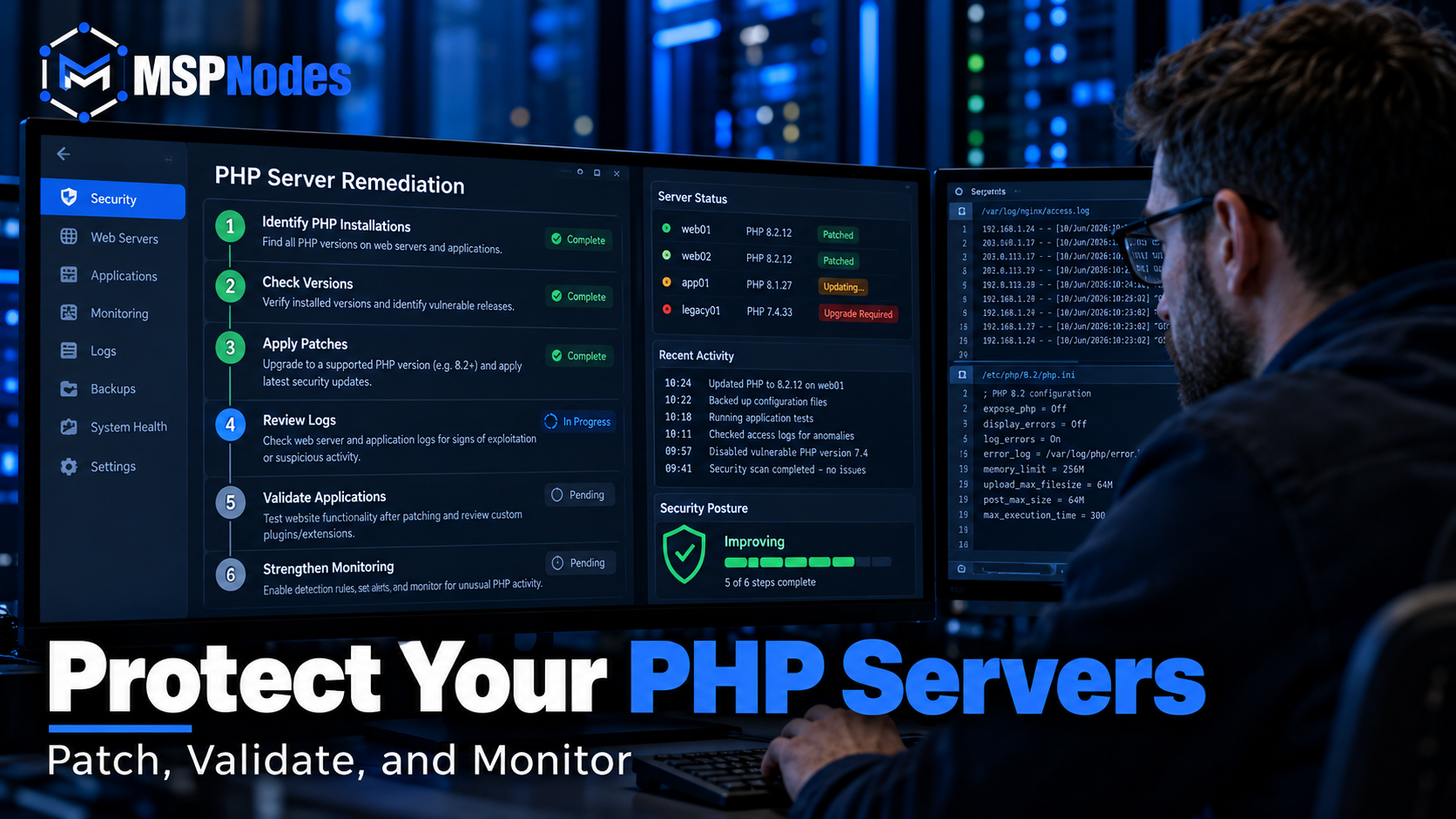
1. Identify All PHP Installations
Review production websites, hosting environments, virtual private servers, application servers, and development systems.
Check whether multiple PHP versions are installed on the same server.
Some hosting environments use different PHP runtimes for individual websites, so reviewing only the default system version may not provide a complete picture.
2. Confirm Installed Versions and Security Updates
Check the PHP versions currently in use and compare them with the patched releases.
Where PHP is maintained by a Linux distribution or hosting vendor, confirm whether a security backport has been released and installed.
The objective is to verify that the affected runtime has received the required security fix.
3. Prioritize Internet-Facing Servers
Public websites, customer portals, e-commerce platforms, and other externally accessible services should receive priority.
Also consider the sensitivity of information processed by each application and its connectivity to internal infrastructure.
A publicly accessible customer portal connected to a business-critical database may warrant faster remediation than an isolated internal development environment.
4. Apply the Appropriate Security Patches
Install the relevant PHP security updates through supported vendor channels.
For managed hosting environments, coordinate with the hosting provider if the PHP runtime is not under your direct control.
Where possible, review application compatibility before updating production systems.
Critical security updates should be deployed promptly, but engineers should still follow appropriate change management and validation procedures.
5. Test Website and Application Functionality
Once the updates are installed, verify that applications continue to operate correctly.
Testing should include website accessibility, authentication, database connectivity, file uploads, and other business-critical functions.
Review PHP and web server error logs for issues introduced by the update.
This is especially important for older applications that may have compatibility limitations with newer PHP releases.
6. Review Logs and Look for Suspicious Activity
Applying a patch prevents exposure to the addressed vulnerability, but it does not determine whether a server was previously compromised.
Review available web server logs, PHP error logs, operating system events, and security monitoring alerts.
Unexpected process execution, unfamiliar scripts, unauthorized file modifications, or unusual application requests may warrant further investigation.
If evidence suggests compromise, follow an appropriate incident response process rather than treating patch installation as the final step.
7. Maintain Ongoing Vulnerability Monitoring
Once immediate remediation is complete, review how PHP installations and other application dependencies are monitored.
Keep an accurate software inventory, maintain supported versions, and include application runtimes in regular patch management activities.
Reliable backups, recovery testing, and documented incident response procedures should also remain part of the overall security strategy.
Can a Web Application Firewall Help?
A Web Application Firewall (WAF) may help block certain malicious requests and reduce exposure while security updates are being deployed.
However, a WAF is not a substitute for patching.
Because PHP2Shell involves internal memory-management issues, request filtering cannot guarantee protection against every possible exploitation method.
The priority should remain updating affected PHP runtimes and verifying that remediation was successful.
What PHP2Shell Means for Managed Service Providers
For Managed Service Providers, PHP2Shell highlights a problem that often gets overlooked during routine maintenance: not every vulnerable component is an operating system or an endpoint application.
Web servers rely on several software layers, including operating systems, PHP runtimes, web server modules, hosting control panels, application frameworks, and databases.
Keeping Windows or Linux updated does not automatically mean every installed application component is secure.
An MSP may have reliable endpoint protection and operating system patching in place while still managing customer websites running outdated PHP versions.
That is why effective vulnerability management requires visibility across the entire infrastructure.
MSPs should be able to determine which customers are affected, which servers require updates, who is responsible for remediation, and whether those updates have been verified.
Clear documentation is equally important.
When a critical advisory is released, an accurate asset inventory can save engineers considerable investigation time. It also makes it easier to communicate the situation to customers without creating unnecessary confusion.
PHP2Shell is another reminder that good cybersecurity depends on consistent processes, technical visibility, and timely action—not simply having more security tools.
Final Thoughts
The PHP2Shell vulnerabilities show why organizations need to pay attention to the software running behind their websites, not just the applications visible to users.
A website can appear to function normally while its underlying runtime remains vulnerable.
For businesses and MSPs, the immediate focus should be on identifying affected PHP installations, applying supported security updates, reviewing logs, and confirming that websites continue to operate correctly.
Beyond the immediate response, the incident reinforces the value of accurate infrastructure documentation, regular vulnerability assessments, and a consistent patch management process.
These are fundamental practices for keeping business-critical systems secure and available.
Server Security and Managed IT Support from MSPNodes
At MSPNodes, we support businesses and Managed Service Providers worldwide with server management, cybersecurity, cloud infrastructure, and ongoing IT operations.
Our technical expertise covers Windows and Linux server administration, infrastructure monitoring, vulnerability remediation, managed IT services, and white-label engineering support.
Whether you're managing a business website, maintaining hosting infrastructure, or supporting multiple customer environments, having the right engineering expertise available can make security maintenance and incident response more manageable.
Need assistance with server security, vulnerability remediation, or infrastructure management?
Visit https://www.mspnodes.com to learn more about our services and discuss your requirements.
Official References
NHS England — Critical PHP2Shell Vulnerabilities
https://digital.nhs.uk/cyber-alerts/2026/cc-4875
PHP Security Advisories
https://github.com/php/php-src/security/advisories
Canadian Centre for Cyber Security — Critical Vulnerabilities Impacting PHP
Published by MSPNodes | Managed IT Services • Cybersecurity • Cloud Infrastructure • White-Label IT Support